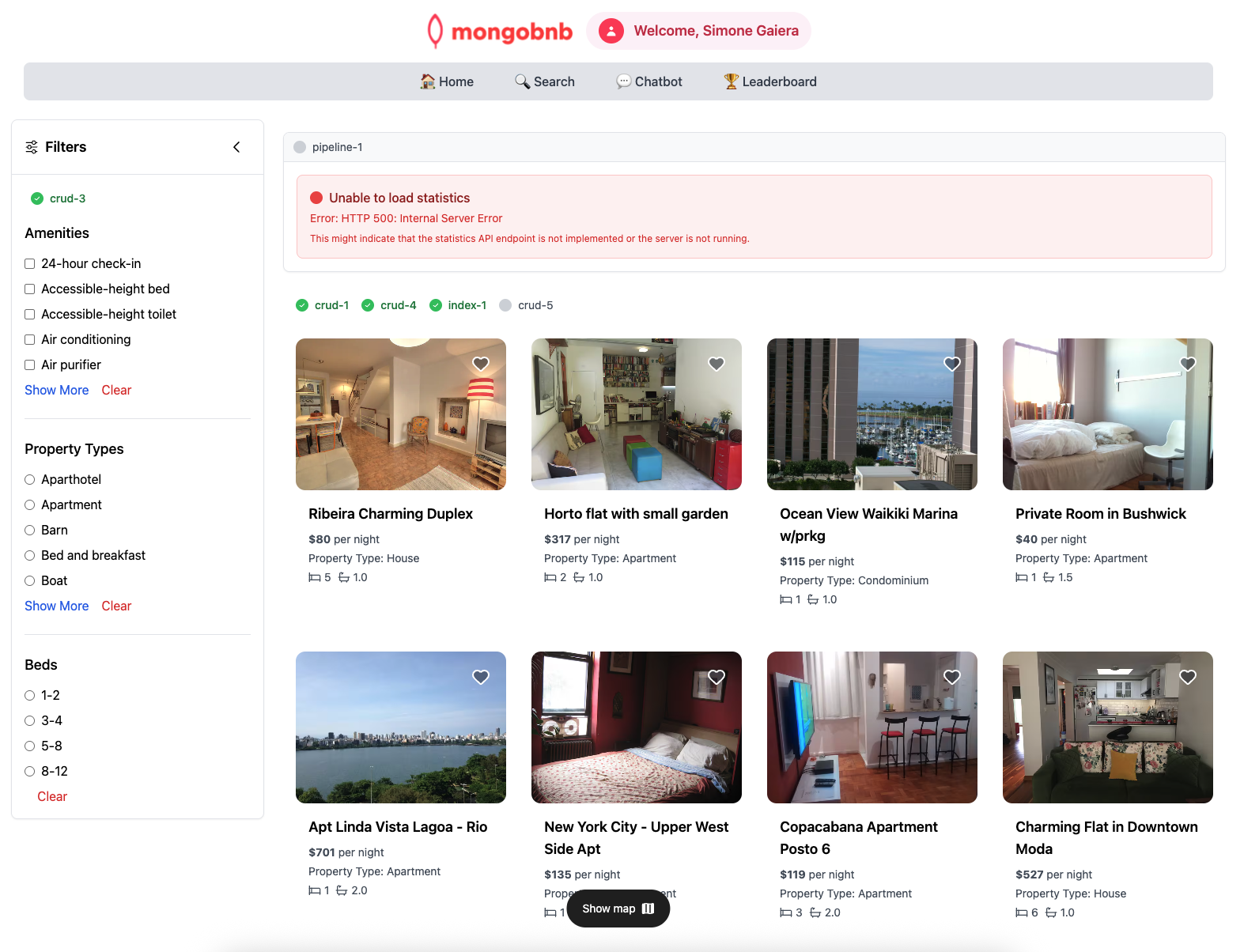
Index 1
🚀 Goal: Turbocharge Your Queries with Indexes
Your platform is growing, and your users expect instant results—whether they’re searching for the perfect price or the right number of beds. As the backend engineer, you have the power to make every search lightning-fast and every filter ultra-efficient. Indexes are your secret weapon!
In this exercise, you’ll create a compound index to supercharge your queries, ensuring your platform stays speedy as your data grows. With the right index, your users get the answers they want—instantly.
💡 Exercise: Build a Compound Index
Craft a compound index with these specs:
- Fields to Include
beds(ascending)price(ascending)
- Index Name
- Name it:
beds_1_price_1
- Name it:
🛠️ How to Create Your Index
Choose your favorite tool and get indexing:
🎯 Traditional Methods
- MongoDB Atlas web interface
- MongoDB Compass
- MongoDB Extension with the provided MongoDB Playground
💻 Using VS Code?
- We suggest using the Playground feature for a quick and interactive experience.
- In VSCode Online, locate and open the file
index-playground.mongodb.js(usually found in the bottom left of the Explorer).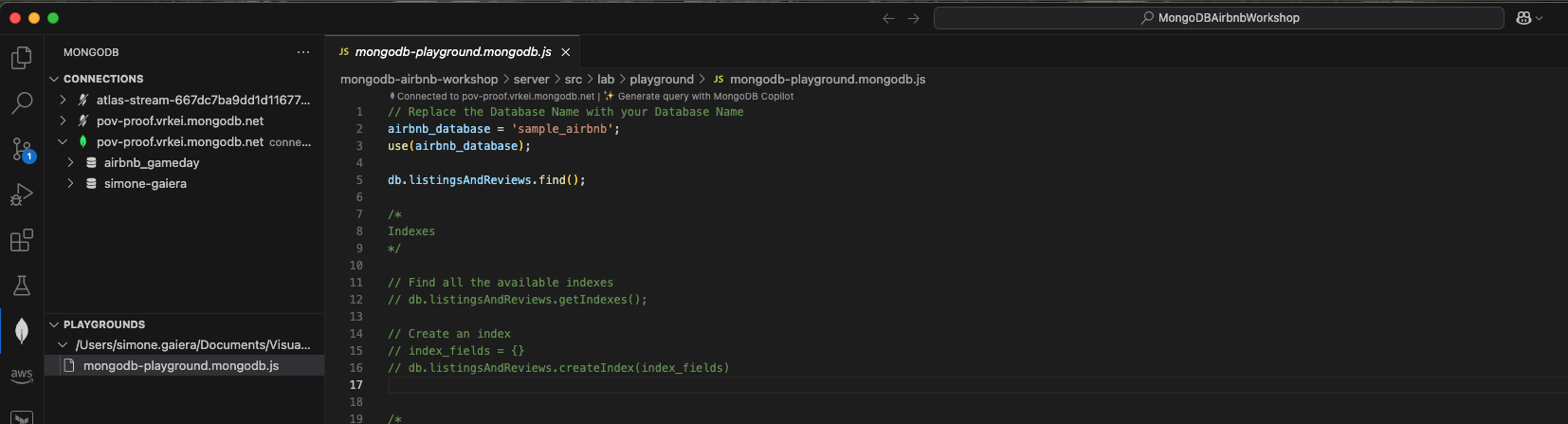
🤖 AI-Powered Method (If Available)
-
MongoDB MCP (Model Context Protocol) - If you have MCP available, simply ask your AI assistant:
“Create a compound index on the listingsAndReviews collection with beds (ascending) and price (ascending), named ‘beds_1_price_1’”
Your MCP-enabled AI can execute the index creation directly for you! 🚀
💡 Pro tip: Compound indexes are your secret weapon for multi-field queries!
🖥️ Frontend Validation
Check Exercise Status:
Go to the app and check if the exercise toggle shows green, indicating your implementation is correct.